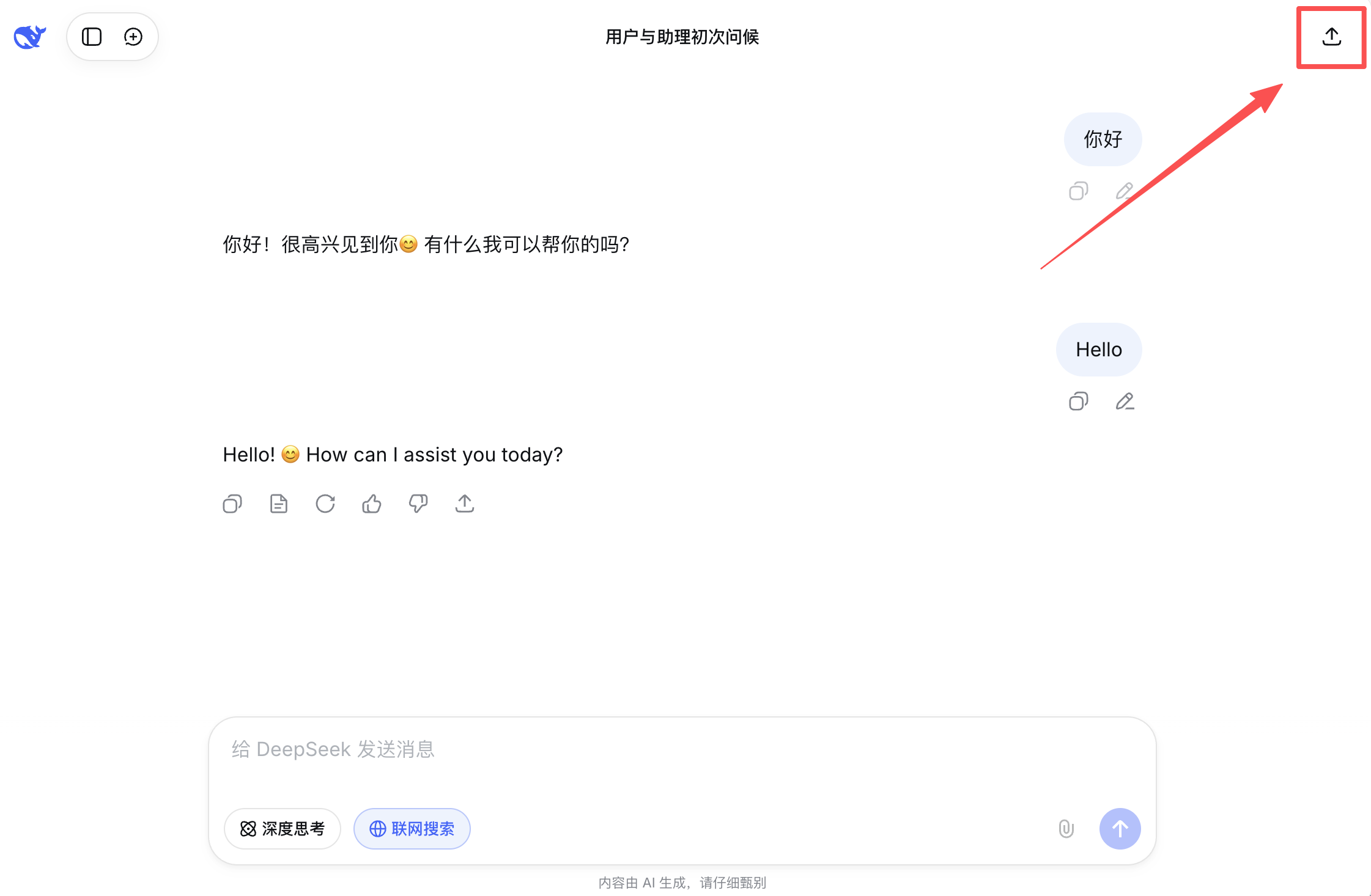
TutorialsDeepSeek Export to ImageCopy pageDeepSeek Export to Image Please ensure the DeepShare extension is installed in your browser. If not, see the Installation Guide. Click the share button in the top right of the pageClick “Save as image”View the imageThe image will be automatically downloaded and copied to your clipboard. View the result:Last updated on March 25, 2026Copy Formulas from AI ChatsDeepSeek Export to Word