Hard Line Breaks
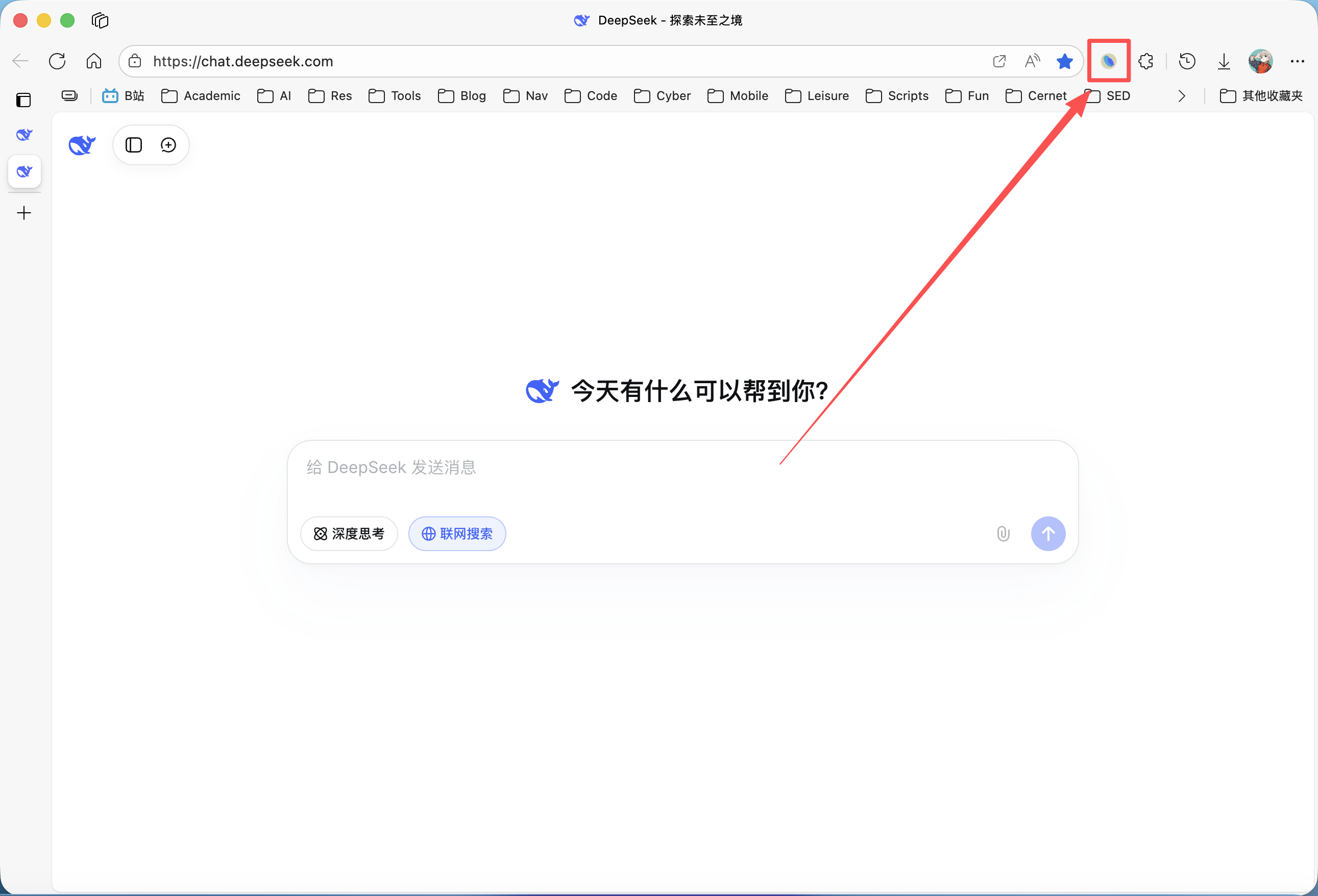
Please ensure the DeepShare extension is installed in your browser. If not, see the Installation Guide.
This option applies to the Word export feature only.
What are Hard Line Breaks?
In standard Markdown syntax, a single line break is treated as a space. Only when there are two or more consecutive line breaks (i.e., a full blank line) between text lines is it recognized as a paragraph break.
However, in some scenarios (e.g., poetry, dialogue formatting, or simple list notes), you may want every line break in Markdown to be reflected directly in the generated Word document.
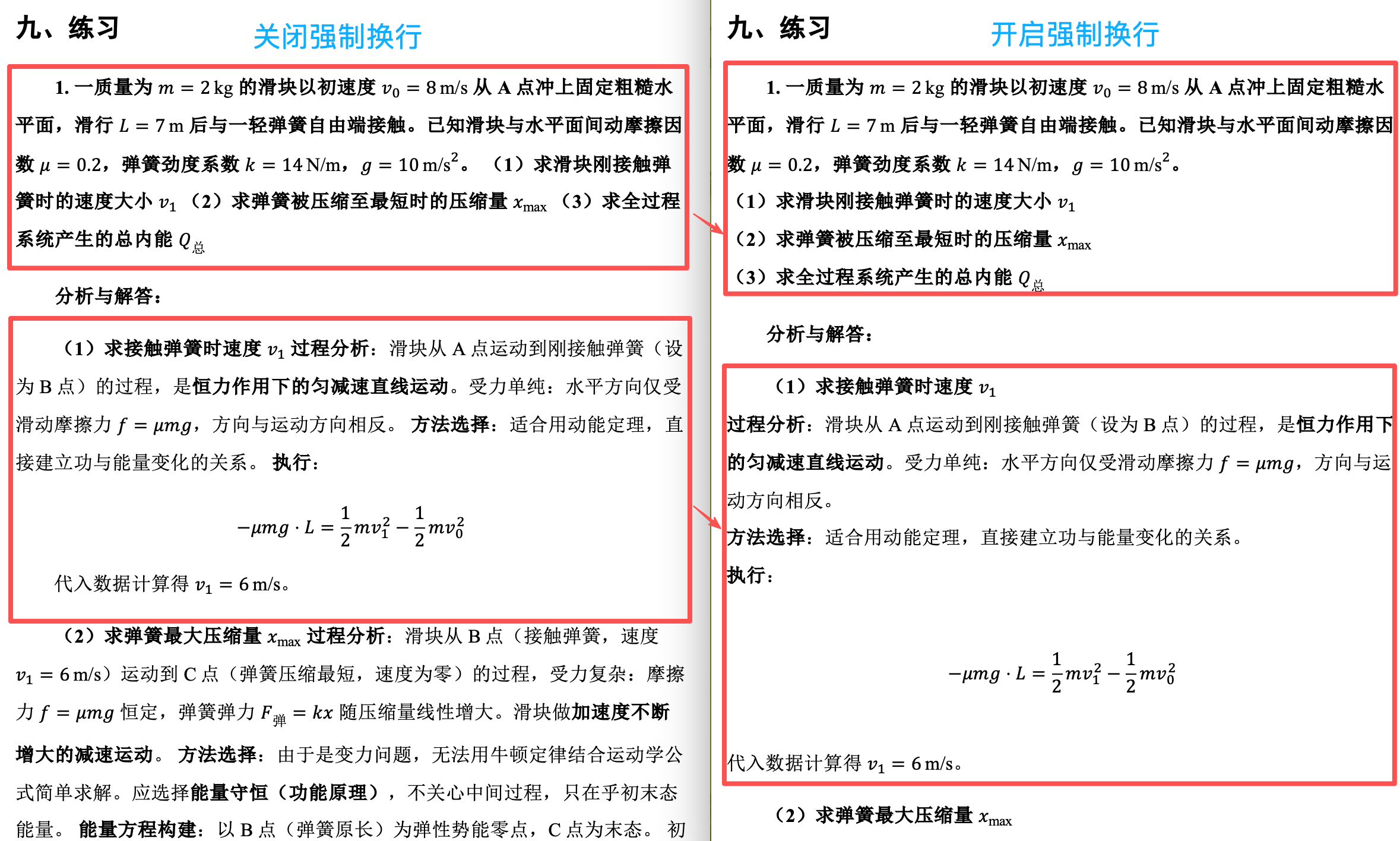
When “Hard Line Breaks” is enabled: DeepShare instructs the conversion engine to treat every single line break in the source as a “soft return” (Shift + Enter) in Word, precisely preserving your layout structure. However, this has side effects for some formats — for example, extra line breaks are automatically added before and after formulas.
How to Use
This feature is disabled by default. If your exported document has spaces where there should be line breaks, try enabling this option.