Compatibility Mode
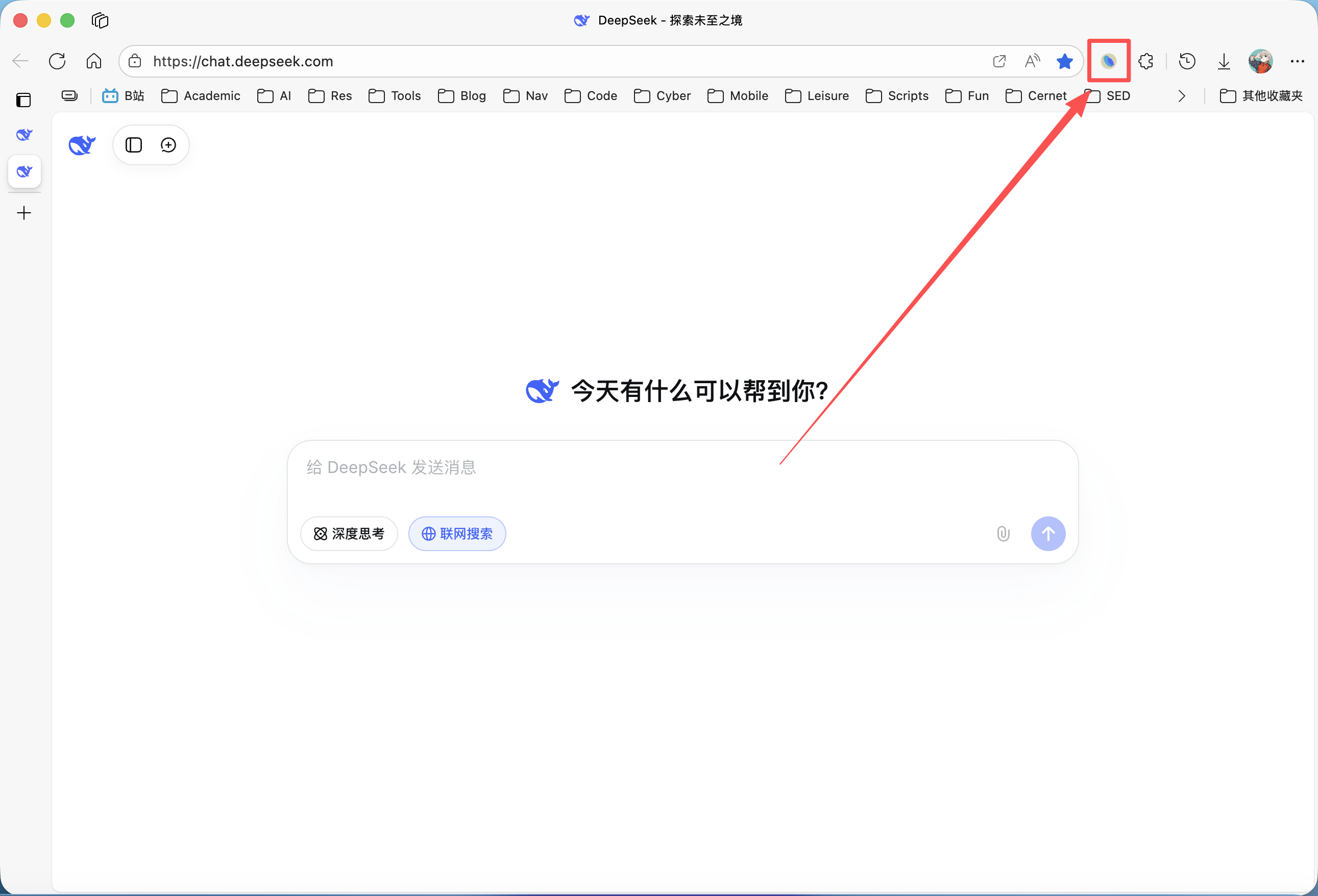
Please ensure the DeepShare extension is installed in your browser. If not, see the Installation Guide.
This mode applies to the Word export feature only.
What is Compatibility Mode?
Compatibility Mode is designed to improve tolerance for “non-standard” Markdown source code.
Pandoc (the conversion engine used by DeepShare’s backend) enforces some strict rules when parsing Markdown:
- Blank line before block quotes: Standard Markdown requires a blank line before
>block quotes, otherwise they may not be recognized correctly. - Blank line before lists: Lists also typically require a blank line before them.
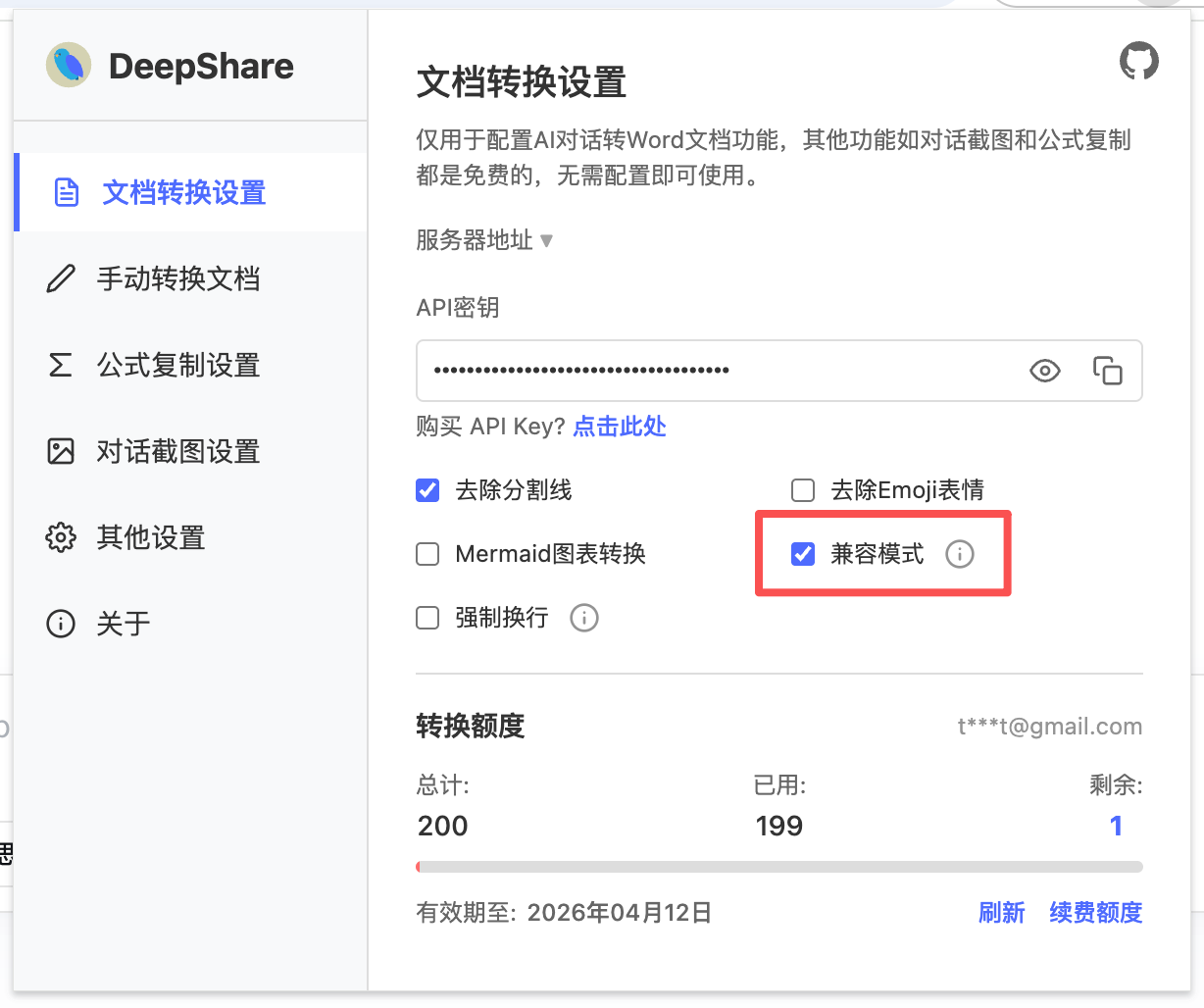
When Compatibility Mode is enabled: DeepShare automatically handles these formatting issues, allowing block quotes and lists without a preceding blank line. This is very useful for AI-generated Markdown content that is not always perfectly formatted, effectively preventing style corruption or loss during export.
How to Use
By default, “Compatibility Mode” is enabled. If you don’t want DeepShare to automatically adjust formatting, you can disable it in the extension settings.